Leather Goods Sizing & Measurement Guide: Get the Fit Right the First Time
Most leather goods returns trace back to a measurement problem, not a product problem. A “15-inch” bag and a 15-inch laptop sound like a match, but screen size and the laptop’s actual body width are two different numbers, and the gap between them is exactly where a snug fit turns into a bag that won’t zip closed.
This guide covers how to measure the things that actually matter — your device, your pocket, your own proportions — against real product dimensions, plus a master sizing table across every category we make.
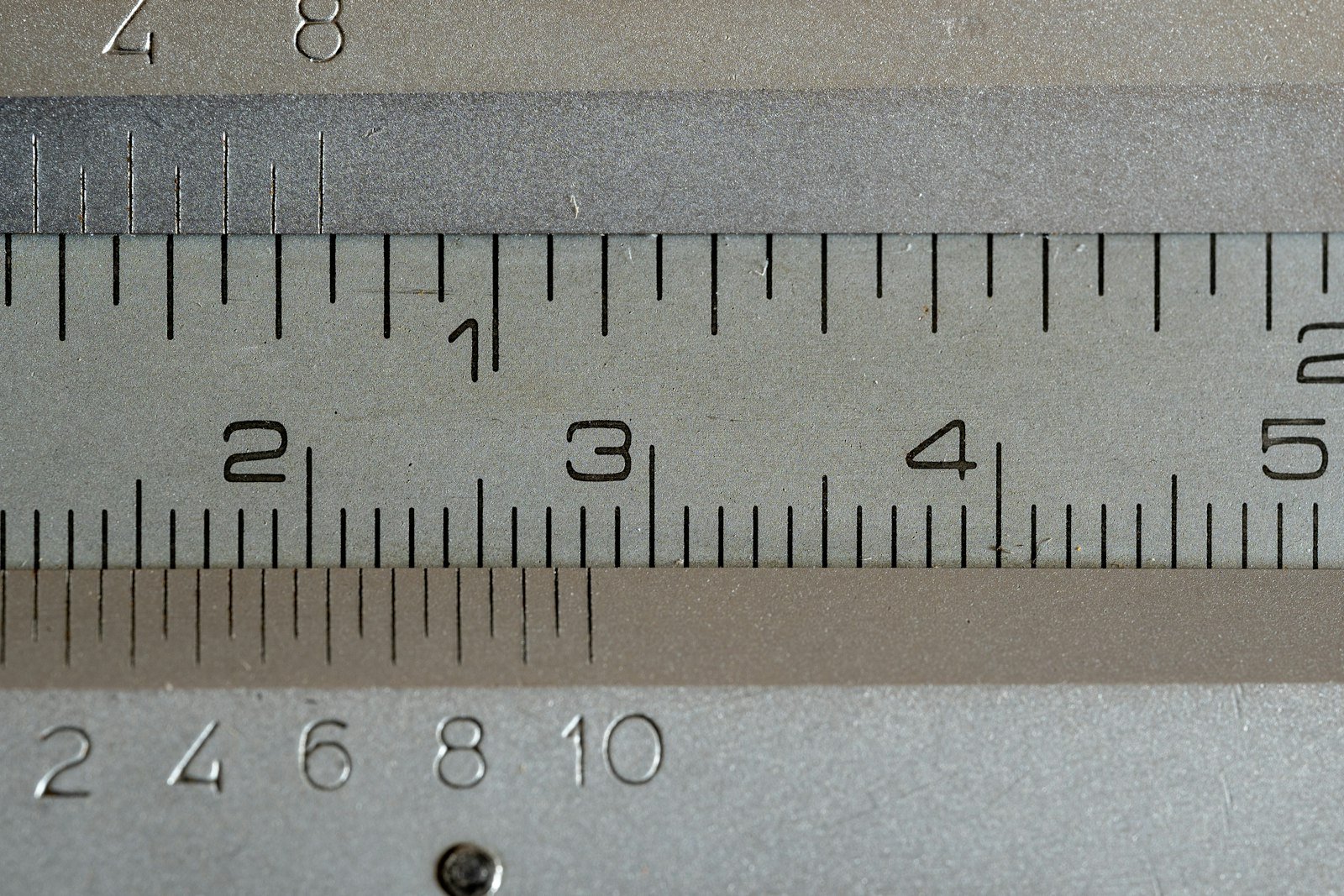
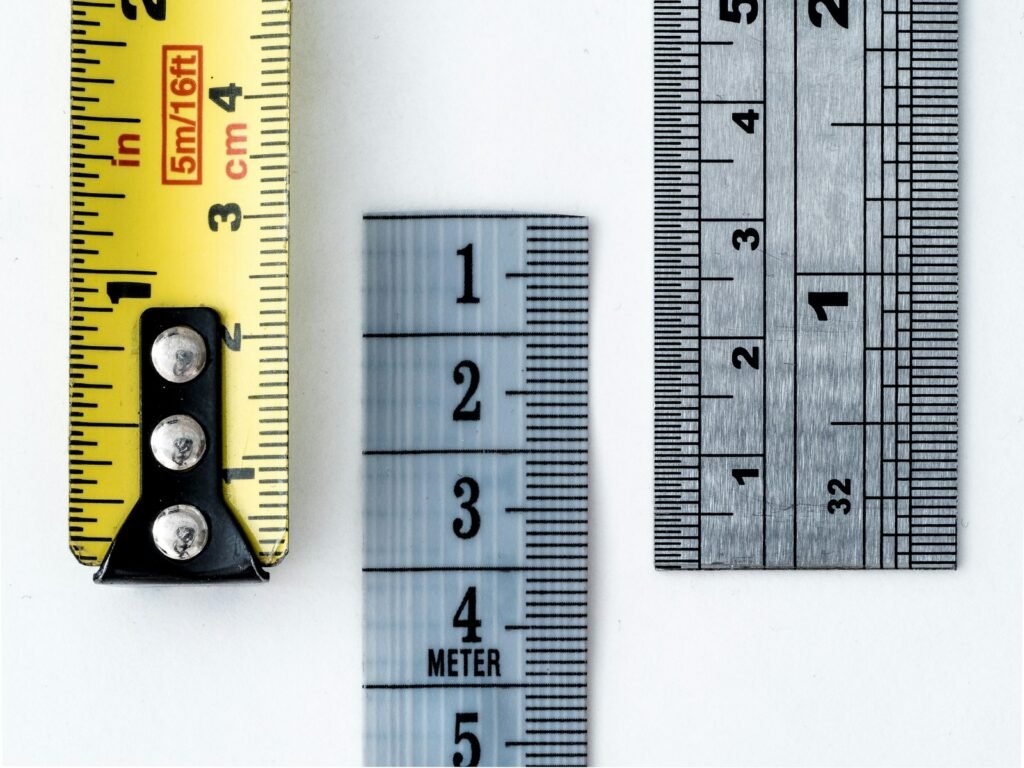
None of this requires special tools. A regular tape measure or a ruler and five minutes of comparing real numbers against a product’s stated dimensions catches nearly every fit problem before it becomes a return. The habit that actually matters is doing the comparison at all, rather than trusting a size label like “15-inch” to mean the same thing across every laptop, bag, or wallet on the market.
How to Measure Your Laptop or Tablet Correctly
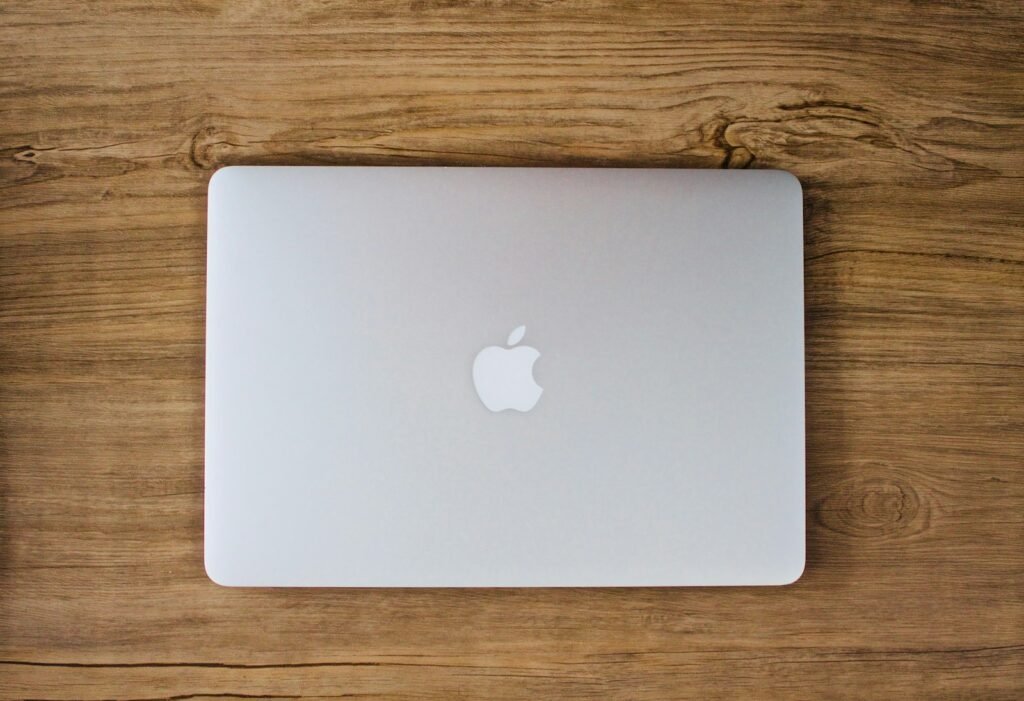
Screen size is a marketing number; body dimensions are what actually determine fit. A 15-inch MacBook Pro and a 15.6-inch Windows laptop can differ by half an inch or more in body width, which is enough to make a snug sleeve impossible or a loose one unsafe.
- Measure the laptop closed, width and depth, with a tape measure or ruler against the actual case, not the box it came in.
- Add clearance, not just a match. A laptop sleeve should be roughly a quarter to half an inch larger than the laptop’s actual width to slide in without forcing.
- Compare against interior, not exterior, bag dimensions. A bag’s outer measurement always overstates the usable interior space once lining and padding are accounted for.
How to Measure Your Pocket for a Wallet
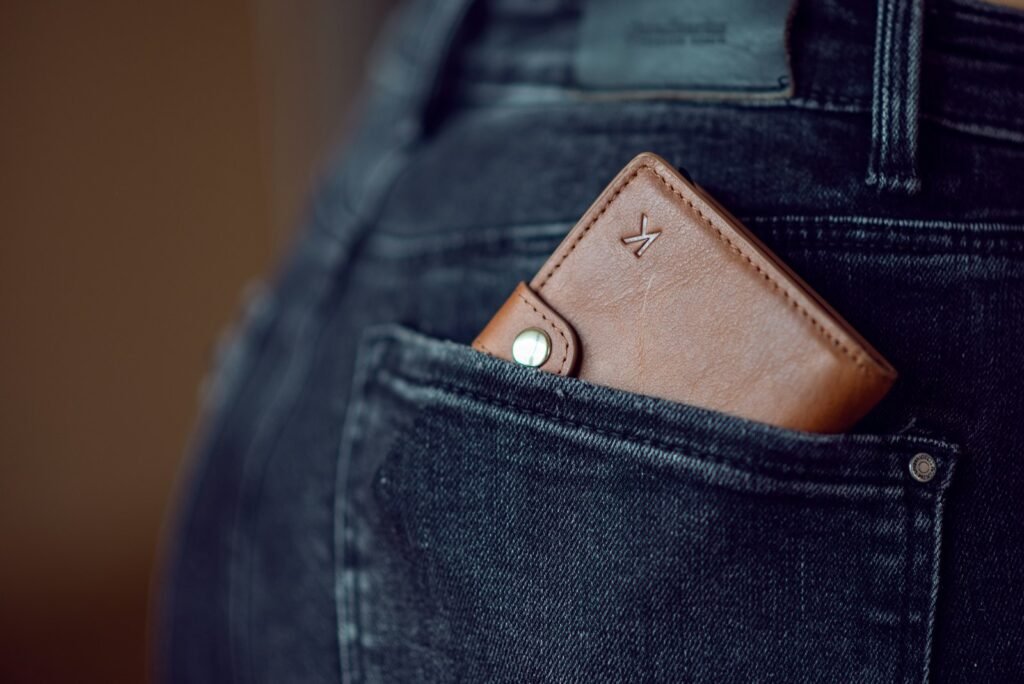
Wallet fit is mostly about thickness once loaded, not the empty dimensions printed on a product page. The same wallet that looks slim on a shelf can create a very different pocket profile once it’s holding a normal week’s worth of cards and cash.
| Carry Position | Comfortable | Tolerable | Too Thick |
|---|---|---|---|
| Front pocket | Under 8mm loaded | 8–12mm | Over 12mm |
| Back pocket | Under 12mm loaded | 12–15mm | Over 15mm |
Most wallet bulk complaints aren’t actually a wallet design problem — they’re a mismatch between how many cards someone carries and what the wallet was ever built to hold comfortably. Measuring your actual daily card and cash count before choosing a wallet style solves more fit issues than any dimension on a spec sheet.
How Your Own Proportions Affect Bag Fit
A bag’s listed dimensions don’t tell you how it’ll actually sit on your frame. A shoulder bag with a long strap drop can hang at hip level on a taller person and mid-thigh on a shorter one, changing how natural it feels to carry over the course of a day.
A rough guide: hold the bag against your side before buying if possible, or check the strap’s adjustable range against your height. A bag that can be shortened to sit at hip level covers more body types than one with a fixed, non-adjustable drop.
Bag width relative to frame matters just as much as strap length. A structured briefcase or weekender sized generously for a taller, broader frame can look and feel oversized on someone smaller, even though the bag’s stated capacity is identical either way. If you’re between two sizes and buying without trying it in person first, the smaller option tends to be the safer default for anyone under average height, since it’s easier to live with slightly less room than to carry a bag that visibly overwhelms your frame.

Master Sizing Table Across the Line
| Product | Dimensions | Measure This Against |
|---|---|---|
| Slim Briefcase | 15.5″ × 10.5″ × 2.5″ | Laptop body width (15.5″ sleeve) |
| Portage | 15.5″ × 4.5″ × 11.5″ | Laptop plus tablet and daily items |
| Balfour | 22″ × 18″ × 11″ | Full wardrobe; exceeds carry-on limits |
| Brigadier | 15″ × 15″ × 5″ | Overnight essentials, fits carry-on |
| Thompson | 15″ × 13″ × 7″ | Laptop body width (12.75″ sleeve) |
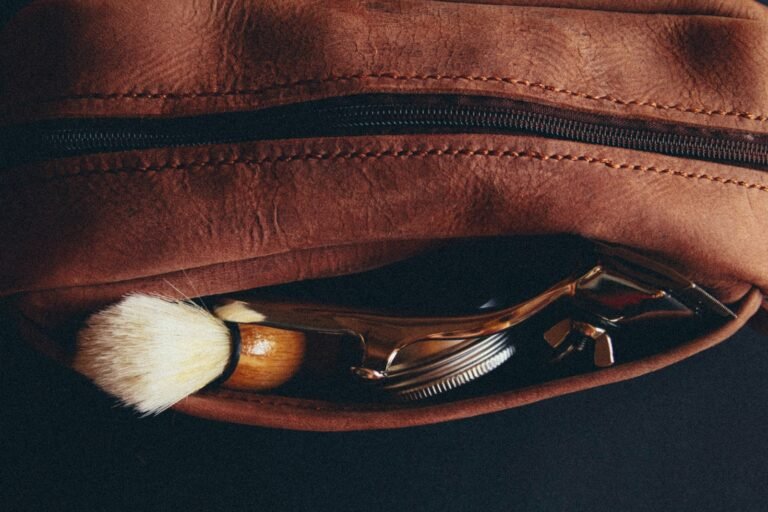
| GI Dopp Kit | 10″L × 5″W × 5″H | Full-size bottles and shaving kit |
| Zip Wallet | 7″L × 3″W × 3.5″H | 5+ cards, front or back pocket |
| Pocket Billfold | 8.5″L × 0.25″W × 3″H | Mostly cash, front pocket |
| Passport Wallet | 7.5″L × 0.5″W × 5.5″H | Standard passport booklet |
| Tablet Sleeve | 10.1″H × 8.4″W | Tablet body width, not screen size |
| James Case | 7″L × 2.25″W × 3″H | Standard to oversized sunglasses |
The “measure this against” column is the part most sizing charts skip. A dimension alone doesn’t tell you whether something fits your actual laptop, pocket, or trip — it only becomes useful once compared against a real number you’ve measured yourself.
Notice, too, how differently “large” behaves across categories. The Balfour is our largest travel bag, built to hold a full wardrobe, while the Tablet Sleeve’s largest dimension is just over 10 inches. Comparing a product’s size only within its own category, rather than across the whole line, keeps expectations calibrated correctly — a “large” wallet and a “large” travel bag are answering completely different questions.
A Simple Pre-Purchase Measurement Checklist
- Measure your laptop or tablet’s body width and depth, not its screen size.
- Count your typical daily cards and cash before choosing a wallet style.
- Check a bag’s interior dimensions, not just its exterior measurement.
- Confirm carry-on compliance directly if the bag is meant for air travel.
- Hold a bag against your body, or check the strap’s adjustable range, before assuming the drop will suit your height.
- Compare sizes within a category, not across categories, since “large” means something different for a wallet than it does for a travel bag.

For our full breakdown of which travel bag fits which trip length and whether it clears carry-on limits, see our travel bag sizing guide. For briefcase and laptop-specific sizing, our briefcase buying guide covers the Slim Briefcase and Portage in more depth.
Frequently Asked Questions
Does screen size tell me if a laptop will fit a bag?
Not reliably. Screen size is a diagonal measurement; body width and depth are what actually determine whether a laptop fits a given sleeve or compartment.
How thick is too thick for a back-pocket wallet?
Over 15mm loaded starts creating the sitting discomfort many people mistake for a back problem. Under 12mm loaded is comfortable for most people.
Which of your bags fits airline carry-on requirements?
The Brigadier and Thompson both fit standard carry-on dimensions. The Balfour, at 22″ wide, exceeds typical carry-on limits and needs to be checked.
How much clearance should a laptop sleeve have?
Roughly a quarter to half an inch beyond the laptop’s actual body width is enough to slide in without forcing, while still holding it snugly.
Should I measure a bag’s exterior or interior dimensions?
Interior dimensions matter most for fit. Exterior measurements always overstate usable space once lining and padding are factored in.
How do I know if a bag’s strap will fit my height?
Check the strap’s adjustable range against your height, or hold the bag against your side before buying, since a fixed, non-adjustable drop suits some body types better than others.
For more on measuring a laptop against bag compatibility, see Laptop Voyager’s laptop bag sizing guide.