Leather Bags and Airport Security: What to Know Before You Fly
A leather briefcase doesn’t cause problems at airport security by itself. What actually slows people down is the metal hardware on it, an unremoved laptop, or liquids buried at the bottom of a bag instead of somewhere accessible — all fixable before you ever reach the checkpoint.
This guide covers exactly what to expect with a leather bag at TSA screening, what actually triggers a second look, and how to move through the checkpoint faster without changing what you carry.
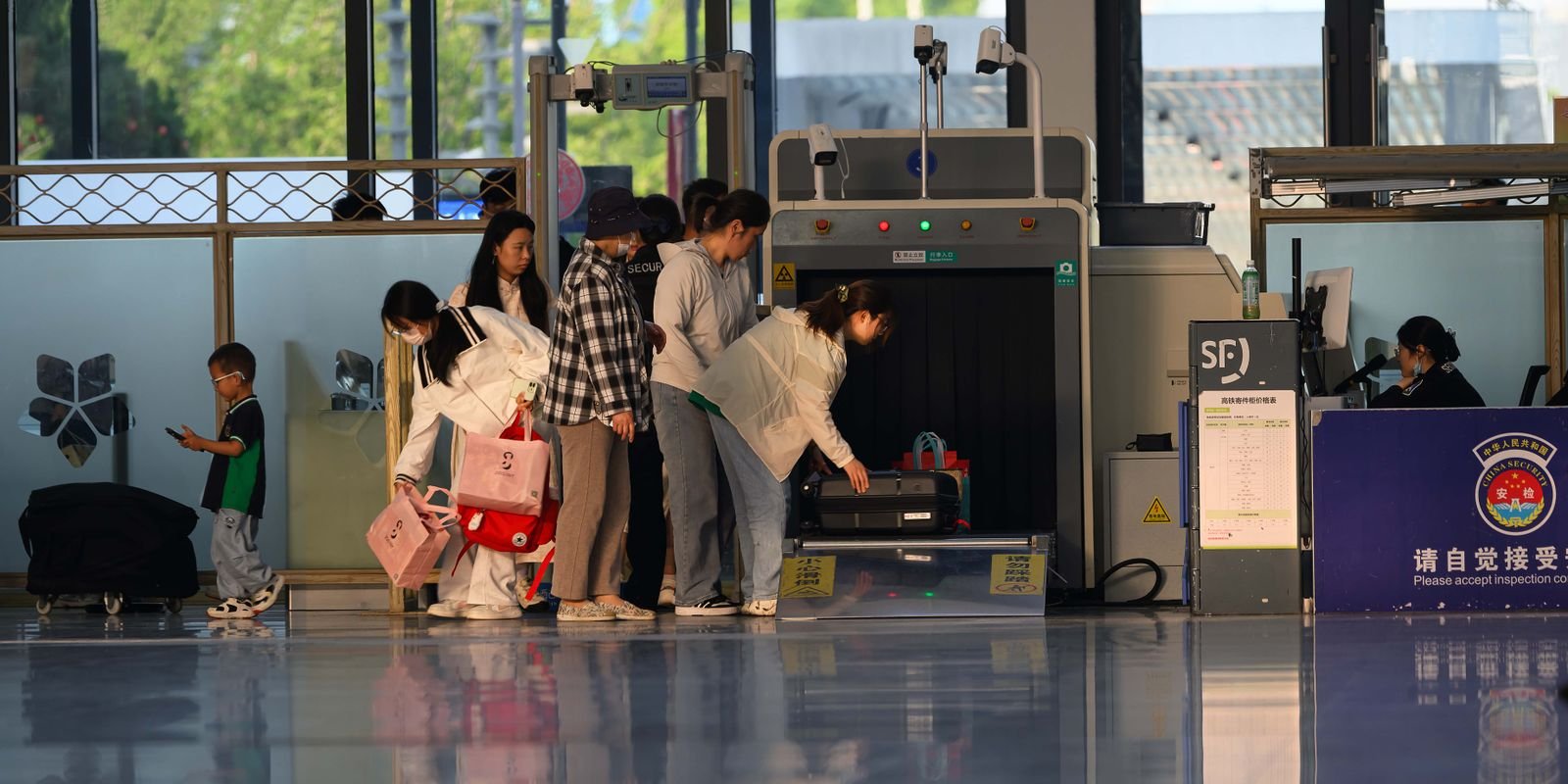
Most of the confusion around leather bags and security comes from conflating two entirely separate systems: the walk-through metal detector or body scanner you personally step through, and the X-ray or CT scanner your bag goes through on the belt. Understanding which system responds to what removes almost all the guesswork.
Does Metal Hardware Trigger the Metal Detector?
| Hardware Type | Risk of Triggering a Detector |
|---|---|
| Brass zippers and buckles on a bag | None — bags go through the X-ray, not the walk-through detector |
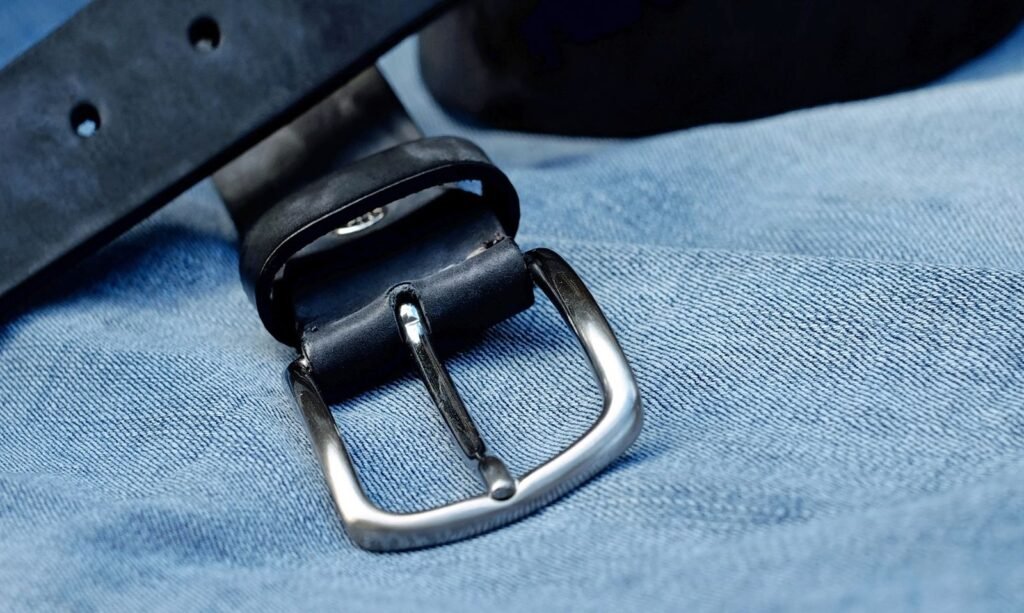
| A metal belt buckle you’re wearing | Moderate to high, depending on size and metal type |
| Keys, coins, phone in a pocket | High — these should go in the bag or a bin, not a pocket |
| Leather itself (any color or thickness) | None — leather has no effect on metal detection |
The distinction that actually matters: bags and their hardware go through the X-ray or CT scanner, which images metal clearly without alarming anything. The walk-through metal detector you personally pass through is a separate system, and it’s what a large belt buckle or pocket full of keys actually affects, not a bag’s brass fittings.
This is worth remembering specifically because leather goods carry more visible metal hardware than most travel gear, buckles, zipper pulls, D-rings, and it’s easy to assume all of that is a security liability. In practice, none of it matters once the bag itself is on the belt rather than on your body.
Do I Need to Remove My Laptop From a Leather Briefcase?
Under standard X-ray screening, yes — laptops and other electronics larger than a phone need to come out and go through separately, with nothing on top of or underneath them in the bin. This applies regardless of whether the laptop is in a leather sleeve or bag.
Two exceptions are worth knowing. TSA PreCheck travelers generally don’t need to remove laptops, liquids, belts, or light jackets. Separately, airports that have upgraded to CT scanners can image a laptop through the bag without removal, since the 3D imaging doesn’t require the same flat, isolated view an older X-ray machine needs.
Neither exception is universal yet, and CT scanner rollout varies significantly by airport and even by individual checkpoint within the same terminal. The safest default assumption for any unfamiliar airport is still standard screening rules, removing the laptop, until a visible sign at that specific lane says otherwise.
Our briefcase buying guide covers checking your laptop’s interior sleeve dimension for daily carry, which is a related but separate question from how it gets screened, worth confirming both before a first business trip with a new bag.
Packing Liquids for Airport Security
The standard 3-1-1 rule applies regardless of what bag they’re packed in: containers of 3.4 ounces or less, all fitting in a single quart-size bag, removed and placed in a bin separately at standard checkpoints.
Our Dopp kit buying guide covers sizing a toiletry case around this exact rule, since a kit that’s actually organized around travel-size bottles saves the fumbling-through-a-bag moment that slows down an entire security line.
A dedicated quart-size bag that lives permanently in the same pocket of your Dopp kit, rather than getting assembled fresh before every trip, removes one more decision point from an already rushed morning. Refilling it as soon as you get home from a trip, instead of the night before the next one, keeps it consistently ready.

Structured vs. Soft-Sided Bags Through Security
A structured leather briefcase, like our Slim Briefcase, tends to move through screening slightly faster than a soft, loosely packed bag, since its contents stay more predictably arranged rather than shifting during the X-ray pass. A clearer, more consistent image reduces the odds of a manual bag check triggered by an ambiguous shape on screen.
This connects directly to the daily organization habits covered in our bag packing guide — a bag organized into consistent zones for daily use also happens to scan more predictably at a checkpoint, since screeners are looking at the same general layout every time rather than a shifting jumble of loose items.

A Pre-Checkpoint Checklist
- Move your laptop to the top or an accessible pocket before reaching the belt, not after you’re already being waved forward.
- Empty pockets into your bag ahead of time, rather than fumbling at the bins with keys and coins in hand.
- Keep your liquids bag accessible, not buried under clothing or a Dopp kit’s other contents.
- Wear a bag-friendly belt if a large metal buckle has triggered a pat-down for you before.
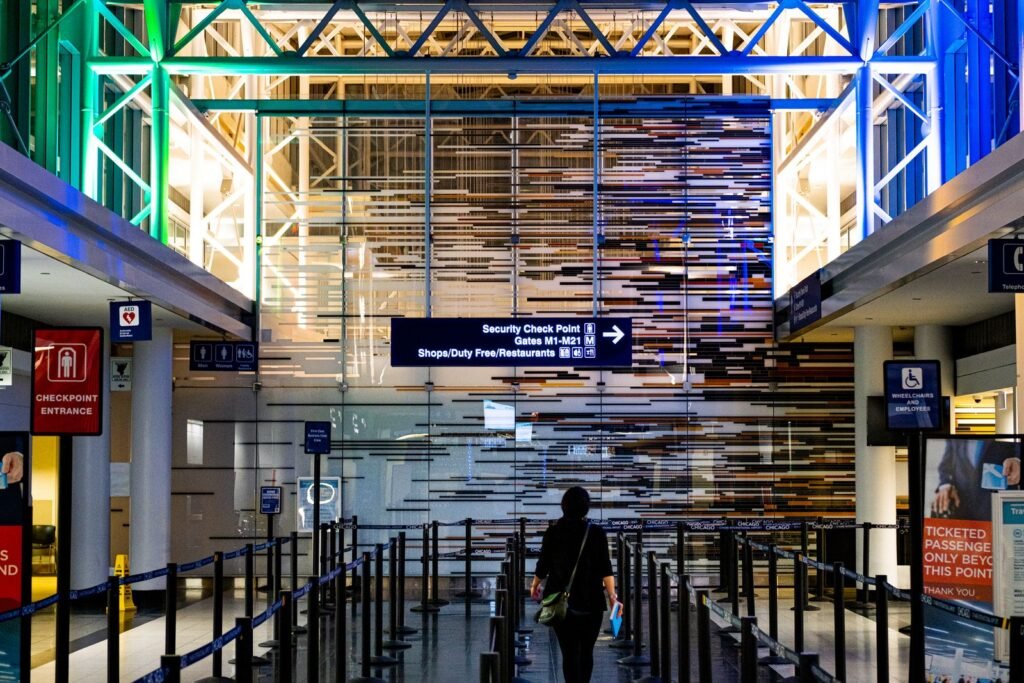
- Check the checkpoint’s signage as you approach, since PreCheck lanes and CT-scanner-equipped lanes are usually marked, and the rules genuinely differ lane to lane within the same airport.
None of this requires buying different gear or changing what you carry day to day. It’s almost entirely about sequencing, doing the small prep steps before you’re standing at the belt rather than while a line is forming behind you.
Frequently Asked Questions
Will a leather briefcase’s brass hardware set off airport security?
No. Bags go through an X-ray or CT scanner, which images metal hardware clearly without triggering any alarm. Only the walk-through metal detector you personally pass through responds to metal.
Do I always have to remove my laptop at airport security?
Under standard screening, yes. TSA PreCheck travelers and checkpoints using CT scanners are both common exceptions to that rule.
Can I keep liquids in my Dopp kit instead of a separate bag?
At standard checkpoints, liquids need to be removed and placed in a separate quart-size bag regardless of what case they’re normally packed in.
Does a structured leather bag go through security faster than a soft one?
Often slightly, since a structured bag’s contents stay more predictably arranged, producing a clearer X-ray image and reducing the odds of a manual check.
Will a metal belt buckle trigger a pat-down?
It can, depending on size and metal type. A smaller or lower-mass buckle is less likely to trigger the detector than a large, dense one.
Is there any airport security rule specific to leather itself?
No. Leather has no effect on metal detection or X-ray screening regardless of color, thickness, or tanning method.
For official TSA guidance on laptops and electronics, see the TSA’s laptop screening page.